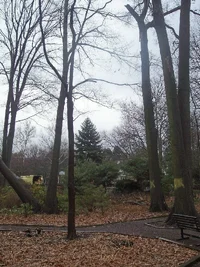
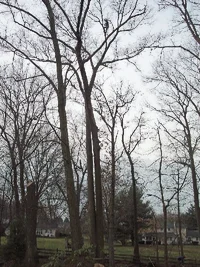
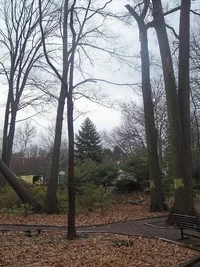
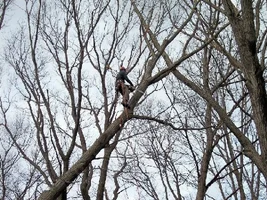
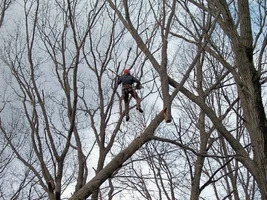
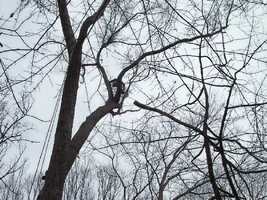
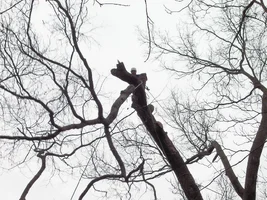
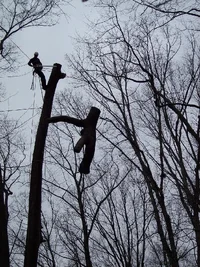
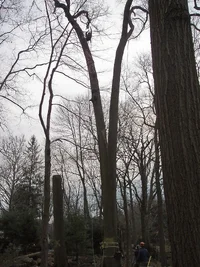
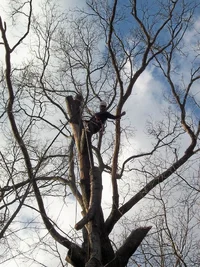
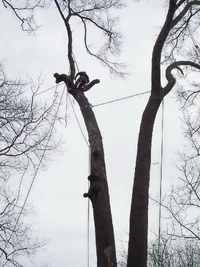
Yeah, that second one does look like crap. You cannot shrink a JPEG image and then re-expand it without a loss in quality. Quality suffers greatly with every manipulation of a JPEG and for the most part enlarging one is a total exercise in futility.
What good is a pic that you have to pan the screen around on? If it's "larger" than your screen and you're viewing it full screen (or full window if the window is, like mine almost alway are, smaller than the full screen) and don't have to pan it, then it's being shrunk before you even see it so why deal with the extra data?
I'm sorry to be so cold, but this stuff is not rocket science. Here's (attached) the first image in a reasonable state. It's been dimensionally reduced 50% and the quality level has been dropped from an unreasonable (actually, quite optimistic since it was evidently taken with a low quality camera or handled by software which could not maintain the needed quality factor) factor of 90 to a Web-friendly 75.
The conversion was obtained by using the program "convert" and entering from within the directory containing the image the command:
convert -resize 50% -quality 75 40664-108_3oaks.jpg 3oaks.jpg
(should be all on one line) Easy as pie; in fact, nothing could possibly approach it for user-friendliness. By the time one waded through a GUI with various levels of menu selections they'd still have to put their hands to the keyboard to type in the file name they want to save it as. By using a good command-line utility one doesn't even have to mess with the mouse. It's vastly quicker to accomplish such an easy task that way. To those who would argue that it's difficult to remember all these arcane commands to type I counter that it's just as difficult, if not more, to remember which combinations of drop-down menus must be navigated just to get to the program in the first place, then again to actually use it; not to mention with the GUI it's usually quite impossible to automate such things. From the command line you could automatically tailor a whole directory hierarchy full of images in one fell swoop.
Enough said?